
Digital Financial Planner
One workbook for the paycheck, the business, and everything between them.
Built for the employee with a biweekly pay cycle, the entrepreneur tracking revenue and expenses — and the many people who are both. Customize it with the included step-by-step user guide.
Price shown from the current storefront listing — confirm with Ashley that it remains accurate before launch.
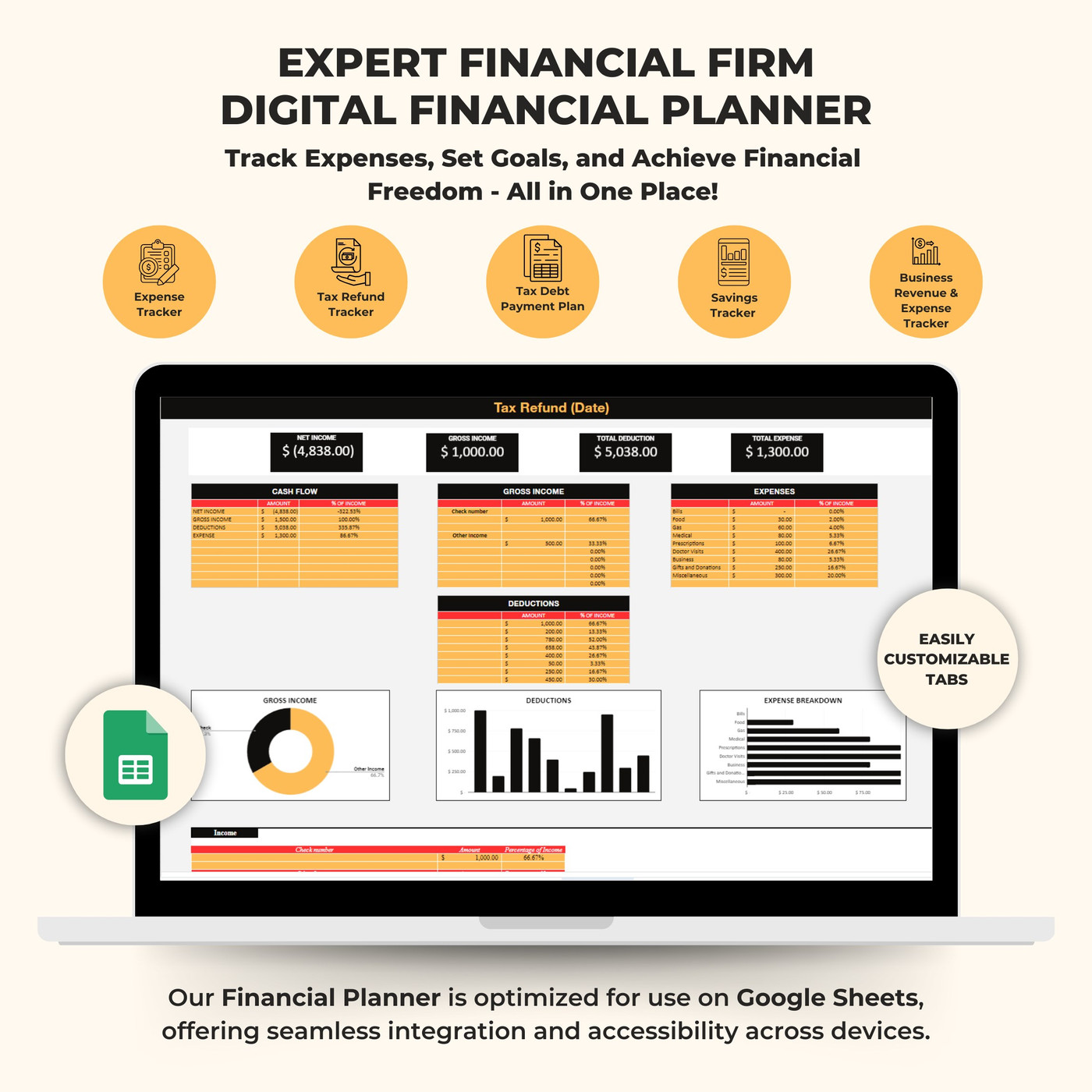
See it on every device
The planner runs in Google Sheets, so it opens on desktop, laptop, tablet, and phone with the same data.
1 / 6 — Monthly dashboard
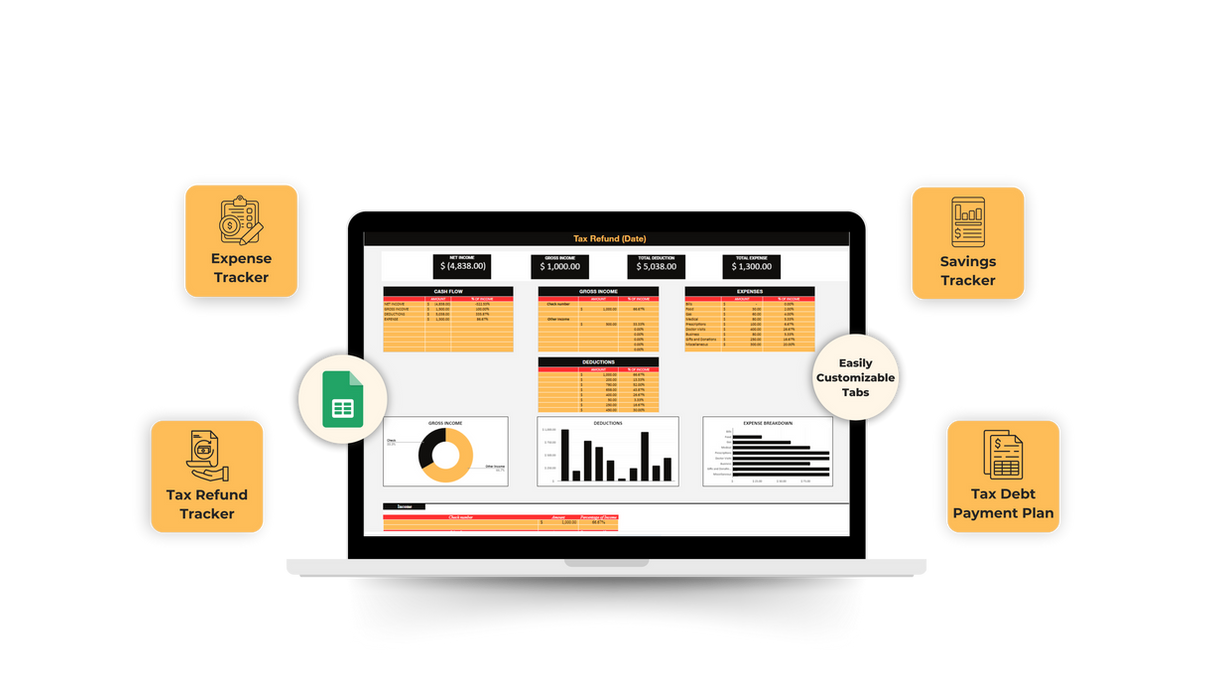
What is inside
Bill Tracker
Track up to 24 recurring bills so nothing slips past a due date.
Expense Summary
A clear read on where the money actually went this month.
Cash Flow
Income and spending side by side, in one view.
Business Revenue & Expenses
Duplicate the tracker per month and tailor the categories to your business.
Savings Tracker
Set savings goals and follow the progress toward each one.
Tax Refund Tracker
Keep sight of an expected refund and plan around it.
Tax Debt Payment Plan
Structure and monitor payments against an existing tax balance.
Monthly Dashboard
A monthly overview that summarizes the rest of the workbook.
Google Sheets Access
Copy the template into your own Google account and customize freely.
How access works
- 01Make sure you have a Google account so you can open Google Sheets.
- 02After purchase you receive a PDF with the planner details.
- 03Open the link labeled "Access your planner here" inside the PDF.
- 04Make a copy of the template to create your own editable file.
- 05Use the included user guide to customize tabs and categories.
Want it set up with you?
Financial coaching sessions can be used to configure the planner around your actual pay cycle, business categories, and savings goals.
Ask Ashley about coaching